Autonomous Drone Inspection System
The dashboard, flight software and desktop app for a drone that inspects whichever site or warehouse it is deployed in
Sep 2026 — Present · Virginia Tech · Blacksburg, VA
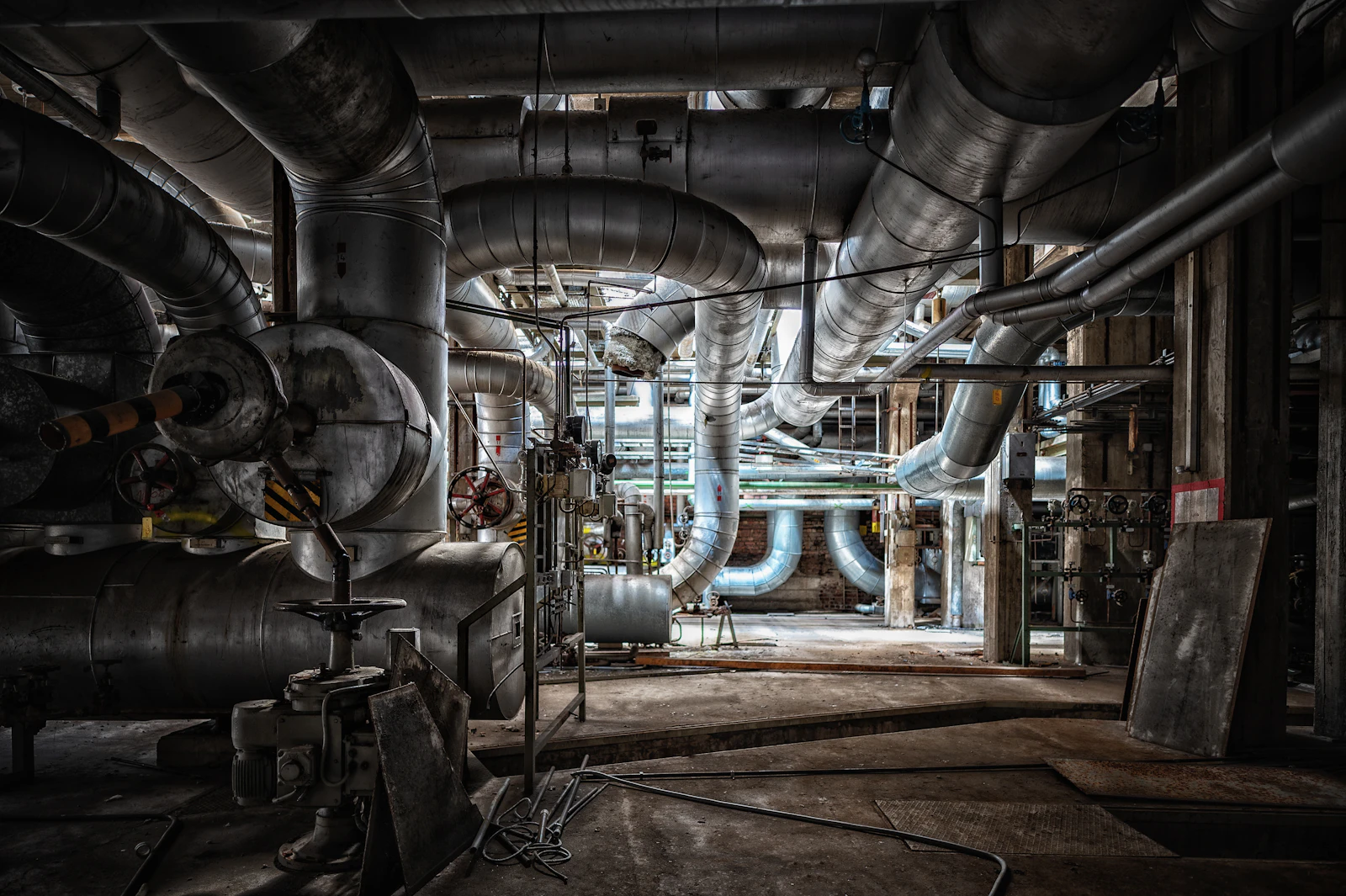
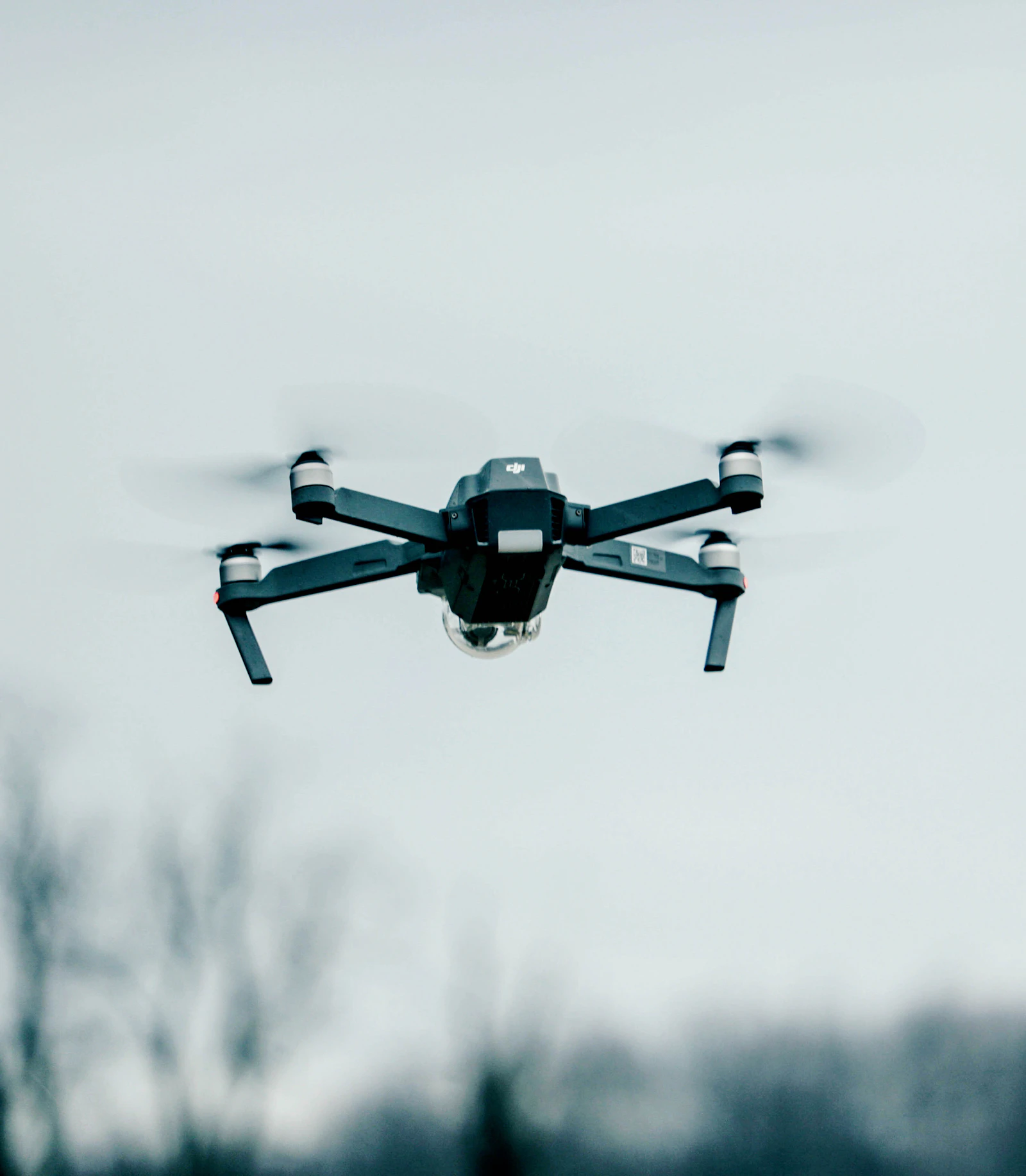
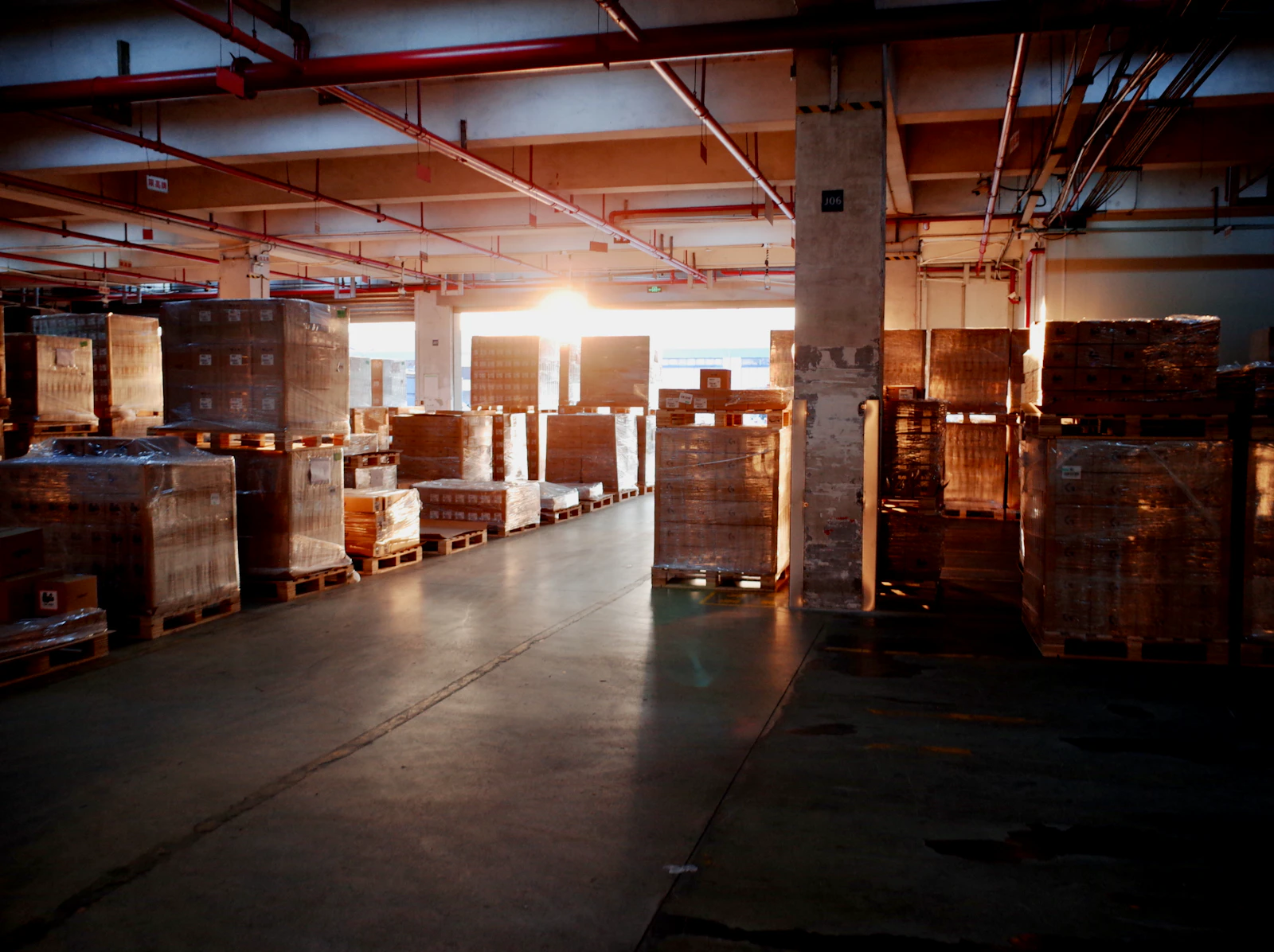
Our senior capstone is an inspection system built around a small autonomous drone. Deployed at a site — a warehouse, a plant room, any indoor space with equipment worth watching — it flies an inspection route on its own, records what it senses at each stop, and reports anything abnormal on a web dashboard. The airframe is a Crazyflie 2.1 with a Lighthouse positioning deck and an AI deck camera, commanded from a laptop through a USB radio called the Crazyradio.
The team's first plan was to build on a previous year's implementation, but nobody could get its code working. So on 16 September 2026 I started again from an empty repository, and eleven days later the project had a flight agent, a desktop app that installs on macOS, Windows and Linux, a public website with an operator dashboard, and a database with row-level security on every table — 695 automated tests on the flight code and 66 merged pull requests.
Its product name is DroneDeck — the desktop app and the website both carry it. It began as CropWatcher, from a first brief that pointed it at a greenhouse; the system never depended on crops, and the name followed what it is. This page is about the decisions behind it, and about what a drone teaches you when you stop guessing and start reading its own numbers.
Team | Team 18 — Hannah Alexander, Reagan Gary, Kevin Loi, Yordanos Tessema, Samuel Zih |
My role | Built the software to date: flight agent, desktop app, website, database, installers |
Drone | Crazyflie 2.1 · Lighthouse deck · AI deck (GAP8 + ESP32 camera) |
Flight agent | Python 3.11 · FastAPI · cflib — on the laptop with the radio |
Desktop app | Tauri v2 (Rust) · React 19 · TypeScript · Vite |
Website | Next.js 16 · React 19 · Tailwind v4 · Vercel |
Database | Supabase — Postgres, row-level security, Auth, Storage |
Tests | 695 on the flight agent · CI builds the app on macOS, Windows and Linux |
The constraint everything follows from
The Crazyradio is a USB dongle. Only the machine it is plugged into can command the drone. No cloud service can reach it, however it is designed.
Every architectural decision in this project is downstream of that one fact.
It splits the system into two paths with very different needs:
Autonomous missions can go browser → database → laptop → radio → drone. A few seconds of delay in picking up a queued mission is harmless.
Manual flight cannot. A Crazyflie drops out of the air below roughly ten commands a second, so the stick loop has to live on the laptop, next to the radio, at 50 Hz.
So one process owns the radio — the flight agent — and nothing else ever touches it. The desktop app talks to the agent over localhost; the website and the database are where the record goes afterwards. That rule sounds obvious written down. Holding to it is what stopped a whole class of bugs where two programs disagree about what the drone is doing.
The flight agent
The agent is a small FastAPI server on 127.0.0.1:8765. It is a server rather than a library the app calls, because it has to outlive any one window: if the UI stalls, the drone must keep flying safely and the recording must keep going.
Checks before every flight
A session starts with a sequence of checks, each streamed to the app as it happens: drone identity, telemetry, motors (with crash recovery), battery, decks, base stations, and whether the position estimate has settled. Only three results block a flight — no telemetry, the firmware refusing to arm, and motors the supervisor will not release. Positioning problems warn instead, and flying without positioning needs a second, explicit confirmation.
Guards during every flight
While airborne, a guard checks a verdict every 0.1 s: tumble, battery, positioning, the geofence (±2.0 m, 1.0 m ceiling by default), drift and stale telemetry. Each verdict carries an action and a reason. If the desktop app goes quiet for 0.5 s, the agent lands the drone.
Write the file first, upload later
Every flight is written to a CSV on the laptop before anything is uploaded. A local write cannot fail; a flight cannot be re-run. Uploads go through an outbox that retries every 60 seconds, using the operator's own signed-in session — never a service key, so the database's security rules apply to the drone's uploads exactly as they apply to a person.
Manual flight: send intent, not setpoints
The desktop app never sends flight commands. It sends which keys are held, about ten times a second, and the agent turns that into setpoints in its own 50 Hz loop. A window that hiccups for a moment therefore cannot become a drone that falls.
The first version controlled velocity, and it drifted. A speed never says where: a quadrotor moves sideways by tilting, so one degree of unnoticed tilt is 0.17 m/s² — 34 cm of drift in two seconds — with nothing observing position to correct it.
The version that works moves a commanded point. Every axis you are not pressing is locked to where the drone is; the keys move the point, and the firmware corrects to it continuously. Opposite keys cancel and hold; different axes compose. Let go and the drone holds the spot.
The first flight on it held x and y to between 0.0006 and 0.017 m through a whole climb, with thrust steady near 56,000 and no saturation. The operator's words were “buttery smooth”.
Debugging a drone from its own numbers
Most of the hard work in this project was not writing features. It was finding out why a physical thing did something, from data, when every intuition said something else. Three examples.
“It will not hold its height”
After a climb, the drone sank and rose continuously. The natural reaction is to tune the height gains. The flight trace said otherwise. Over 14.7 seconds with hands off the keys, our height target sat frozen at 0.371 m while the barometer reported the drone swinging through 72 cm. The firmware believed the barometer and chased an error that did not exist: the controller demanded more than full throttle in 46% of samples — a peak of 541,901 against an actuator maximum of 65,535 — and the motors sat at exactly zero for 17% of airborne samples. That is momentary free fall.
The same drone on the Lighthouse, an hour earlier, held steady to 1.3 cm — 55 times better. And the reason it was flying on the barometer at all was one level up: the desktop app bundles a frozen copy of the agent, and that copy predated the change that accepts one base station. It refused positioning, offered the barometer instead, and the operator took it. The fix was to make one command build both halves of the app, so a stale agent can never ship again — not a single gain changed.
Read the flight trace before theorising. Every guess made before reading it was wrong.
“It will not arm at 4.15 V”
The app said the battery was too low, so the operator went to the charger holding a nearly full cell. The real reason was a latched crash flag in the firmware's supervisor. The fix was to stop inventing a voltage threshold and read the drone's own verdict — sys.canfly — and say exactly what the firmware says. A guessed threshold had already refused flights the drone would have allowed.
“It lurches, then crashes”
The agent pinned the controller to PID before every flight and restored everything afterwards. Restoring faithfully turned out to be the bug: the drone had started on the Mellinger controller, so the end of every flight handed Mellinger back — a controller that ignores every gain we had tuned. The controller is now left on PID, and the switch that forces it to re-initialise is read back and verified, because a silent failure there would fly the drone on exactly the controller the fix exists to avoid.
Smaller lessons of the same kind are now rules in the codebase, each with the failure it prevents: wait for the position estimate to settle rather than sleeping a fixed time (an early sample once put the takeoff target 0.14 m below the floor); never assume the Lighthouse's zero is the floor (it measured anywhere from 0.85 to 1.40 m in the same room); and query the drone for which decks are fitted rather than trusting photographs of the kit.
The camera
The AI deck carries a GAP8 processor and an ESP32 Wi-Fi chip. I added a small firmware app so the drone's camera can join the operator's own Wi-Fi network — configured over the radio, so nobody has to connect to the drone's access point — and the desktop app flashes the camera software onto a new drone from its Set up page.
Frames arrive as raw 324×244 greyscale, re-encoded to PNG on the laptop. Over the university network at a weak signal (−84 dBm) it delivered 74 distinct frames in 20 seconds, about 3.7 a second. It is a stream of stills, not video, and the app says so. When the deck's sender stalls — a fault on the deck itself, read from the drone's console — the app reconnects on its own. A session's frames are recorded to disk about twice a second and uploaded to private storage afterwards, same rule as the flight data: disk first.
One command to install, on any machine
The people flying this are not all developers, so the desktop app bundles the flight agent: Python is frozen with PyInstaller and shipped inside the Tauri app as a sidecar, started with a fresh control token on every launch. Nobody installs Python to fly.
Getting it onto machines was its own project. There is no downloadable installer; every computer builds its own with node scripts/install.mjs, which checks the whole toolchain first and lists every missing piece with its fix in one pass. Building locally is also what makes an Intel Mac and an Apple-silicon Mac each get the right binary, since PyInstaller freezes for the CPU it runs on. It has been installed on Apple-silicon and Intel Macs, Windows and Ubuntu, and CI builds it on macOS, Windows and Linux and proves that sign-in works on each.
The latest lesson came from a teammate's Windows laptop. The install succeeded — inside Ubuntu under WSL. The app landed in Linux, never appeared in the Start menu, and could never have reached the radio, because WSL cannot see USB devices. The install script now recognises WSL, stops, and says to use PowerShell instead.

The website and the database
The website is Next.js 16 on Vercel. Visitors see the project, the team, a gallery and step-by-step setup guides, and every word on those pages is editable from an admin area without a deploy. Signed-in operators get a dashboard: live telemetry, every recorded flight with charts and raw readings, a comparison of up to four flights, and a mission planner that builds and validates a route before it is queued.
Authorization lives in Postgres, not in the app. The site is publicly reachable and ultimately commands a physical drone, so a client-side check is only a suggestion; row-level security enforces who may read and write every table, and a 15-check test proves the policies hold. All database access in the web app goes through two files — one for reads, one for writes — so no component ever builds its own client.

What is not done yet
Written down in the repo as plainly as what works, because the next person needs it more:
Autonomous flight on position. The take-off, hold and land program and its guards exist, but the base-station geometry has never been measured in the room, so flights fall back to the barometer. Measuring it is the first task of the current sprint.
Missions from the website. The planner queues missions in the database; the agent does not yet claim them. Missions start from the desktop app for now.
Detecting problems. The data pipeline — clean, enhance, classify, alert — is this sprint's work with the rest of the team. The previous team's model cannot be reused: 1,280 of its 1,291 inputs are an image embedding of that team's own photographs, and most of the rest are outdoor weather readings.
What I would keep
Manual is the foundation for autonomous. A waypoint mission is the same machinery as manual flight with a different source of intent. Anything hacked into manual control to hide a sensor fault is inherited by every autonomous flight, where nobody is watching to correct it.
The running system is the authority. Not the docs, not the photos, not my own earlier conclusion. When the drone publishes its own status, read that.
Write down what cost time, as a rule. The repository carries its lessons as invariants, each with the measurement behind it, so the next session starts from them instead of rediscovering them.